


Numeric Methods
Interactive algorithms. Step-by-step computation. Cross-platform.
Numeric Methods is a cross-platform educational application that automates the tedious manual calculations students encounter in numerical analysis courses. Every algorithm shows its work — from initial setup through each iteration to the final result — so users can verify each step.
The project covers root-finding (bisection, Newton's method), interpolation, numerical integration (quadrature), and ODE solvers. Each method is presented with interactive inputs, live charts, step-by-step formula display, and exportable audit tables.
Key Features
- Next.js 16, React 19 and Tailwind CSS 4
- Tauri v2 builds for Windows, Linux and Android
- Bisection, Newton, interpolation, quadrature and ODE solvers
- Interactive charts, formulas, audit tables and export tools
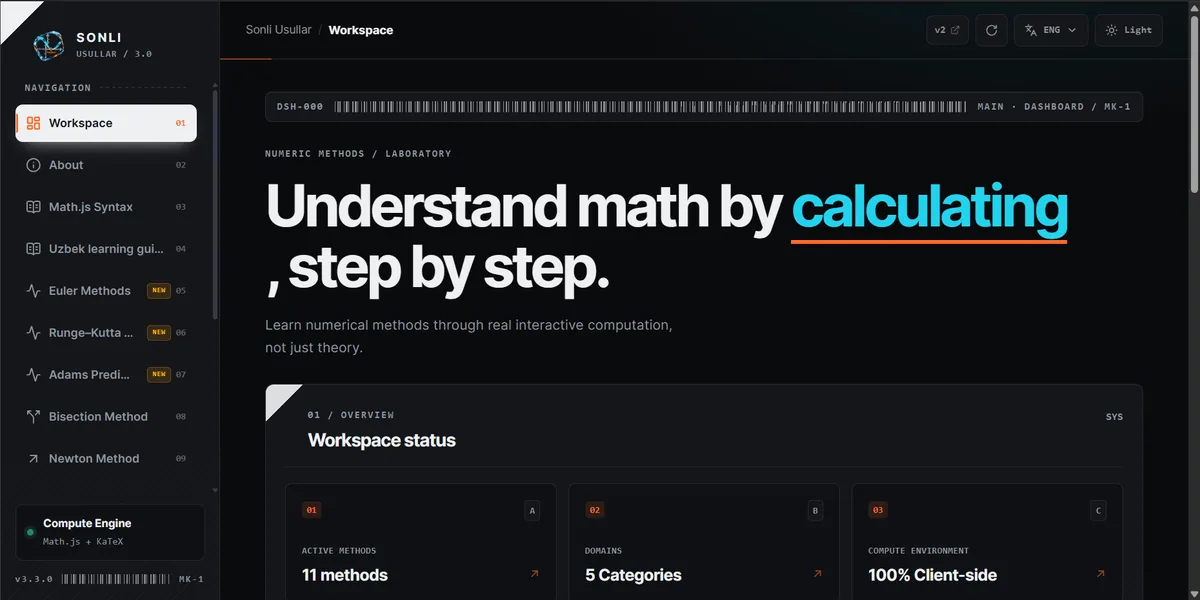
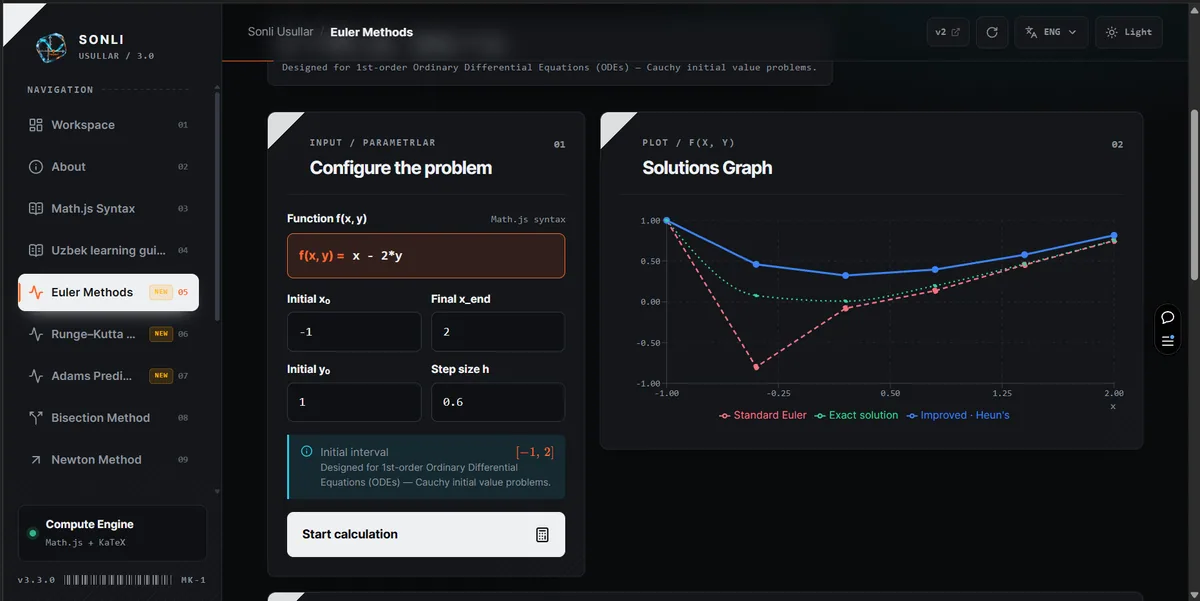
Select your platform below to instantly download the installer or package. SHA-256 integrity checksums are provided for security verification.
Windows
Windows 10 / 11 (64-bit)SHA-256 Checksums
EXE: 924d1a15e3dfaf64e0441058b1237c3d8b008e2666ef15d465ce4f98a9a64bc5 MSI: b4bd3db922692b7621bc7c9c60281f8f65225aea5e9e0fab0b3228cff73c55aa Linux
Ubuntu, Debian, Fedora, ArchSHA-256 Checksums
AppImage: 54910d69494e4b18c1d044a4e19289a8c4be3609f436408367385eeb58952773 DEB: 9d34ca51a8c6d72e081f294911a1930e5ae32953b92f9409ceb3bcf919c1de3c RPM: f8561aa5c00832f940c239fa7564b1551cb9e23b39c2e79eabe35bfdb5829be0 Android
Phone, Tablet, ChromebookSHA-256 Checksums
ARM64: f7e4c1c5f839750417425f26bb93752aa6af0c217f9745bb7b2dc009f77fb504 Universal: fc12b4a97faa063934a22d137b5514692a28fa95826cadd5058965c8583b4743 Source Code
Tauri v2 + Next.js 16 + RustLicensed under MIT. Build with bun run tauri build